
Help Center
Questions? We have the answers.
Overview
3D Event Designer works on all devices (Mac and PC computers, tablets/iPads and mobile phones). No downloads needed -- just an internet connection. For optimal performance we recommend Google Chrome.
Create Your Space
Start with a scaled floor plan, or build from scratch with dimensions only.
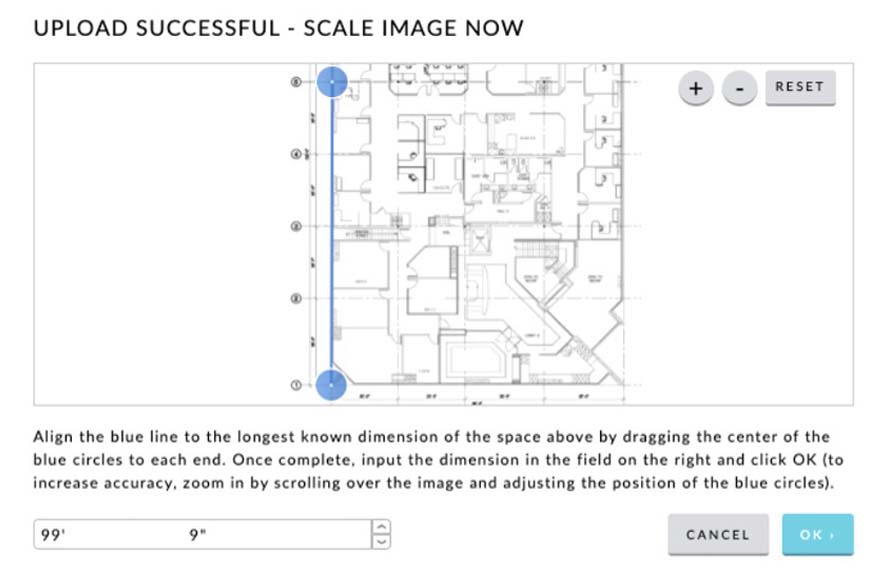
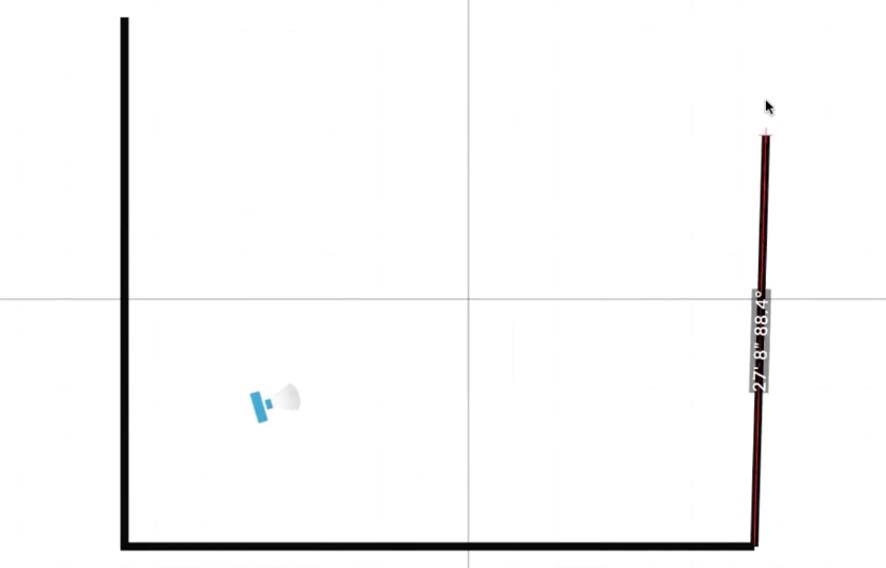
Create a 3D Space with Only Dimensions
All you need are the dimensions to get started.
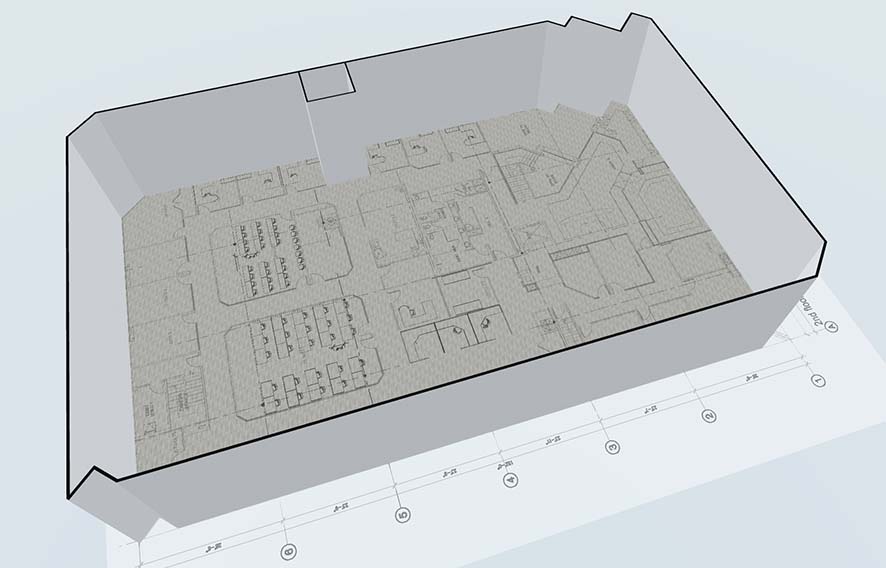
Convert a 2D Floor Plan to 3D
Easily convert a 2D floor plan you uploaded into a 3D space.
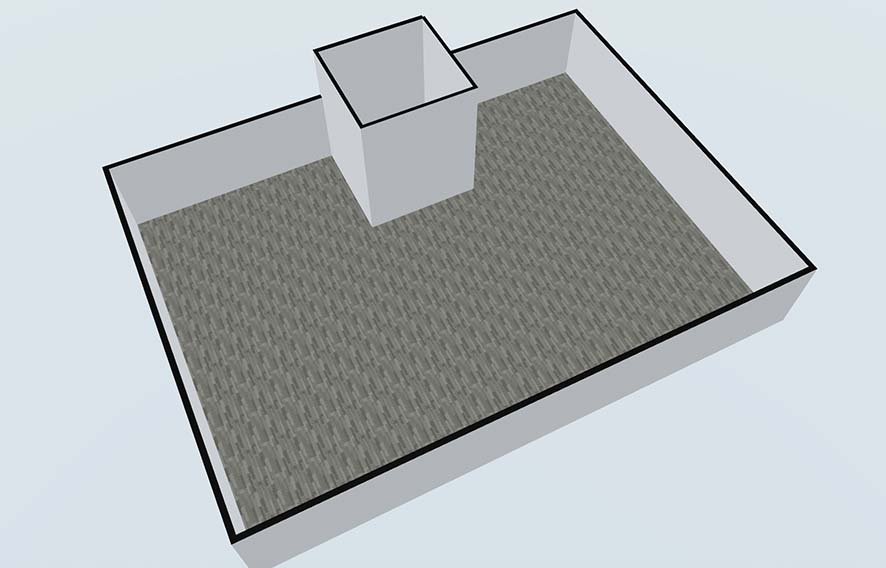
Change the Height of a Room
Change the ceiling height for each room in your space.
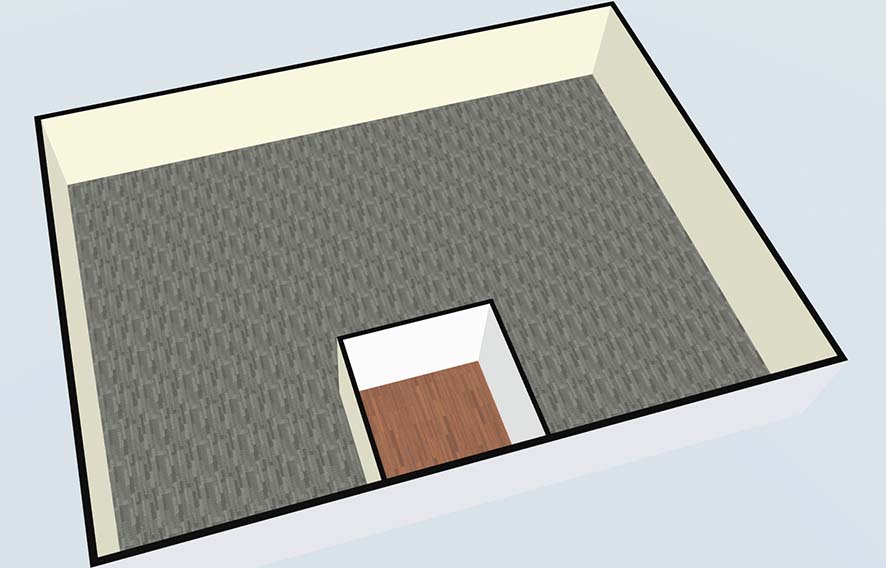
Change Colors and Materials
Change colors and materials (wood, brick, concrete) for floors, walls and ceilings.
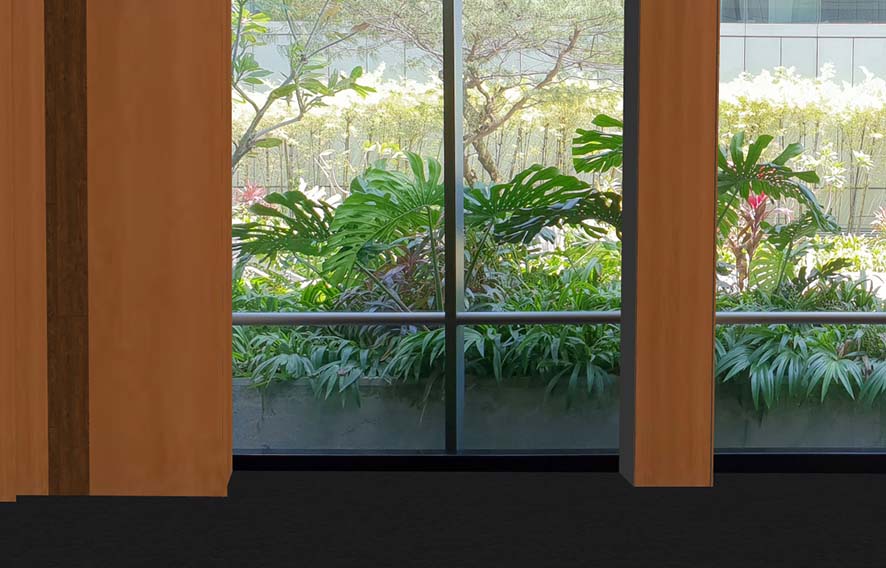
Upload an Image
Take a picture on your phone and upload it to bring your space to life.
Add Items
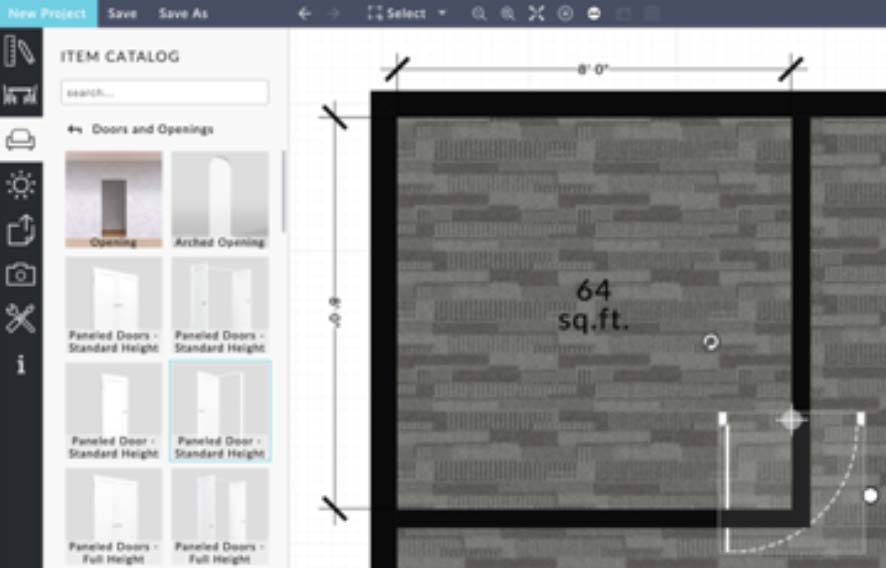
Add Room Construction Items
Add doors, windows, openings, and more to your floor plan.
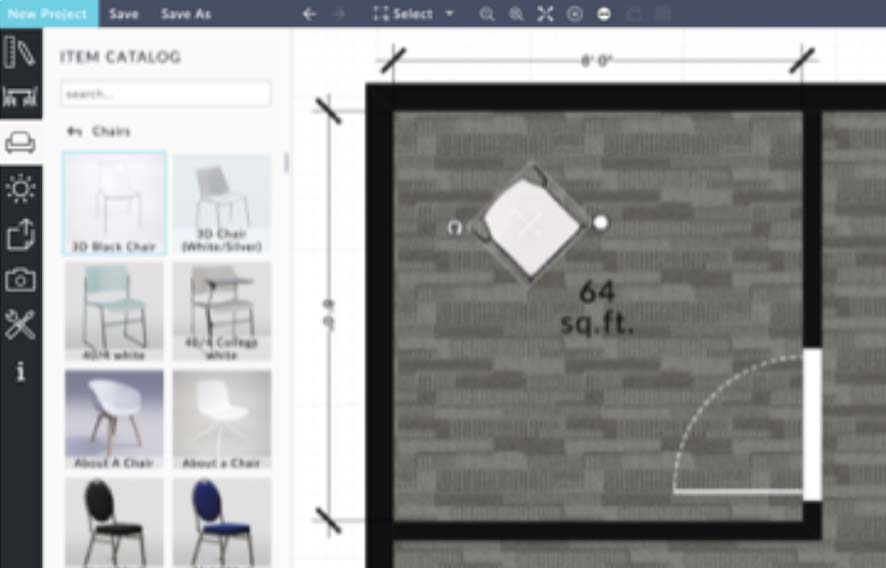
Add Furniture Items
Add tables, chairs, cubicles, and more to your floor plan.
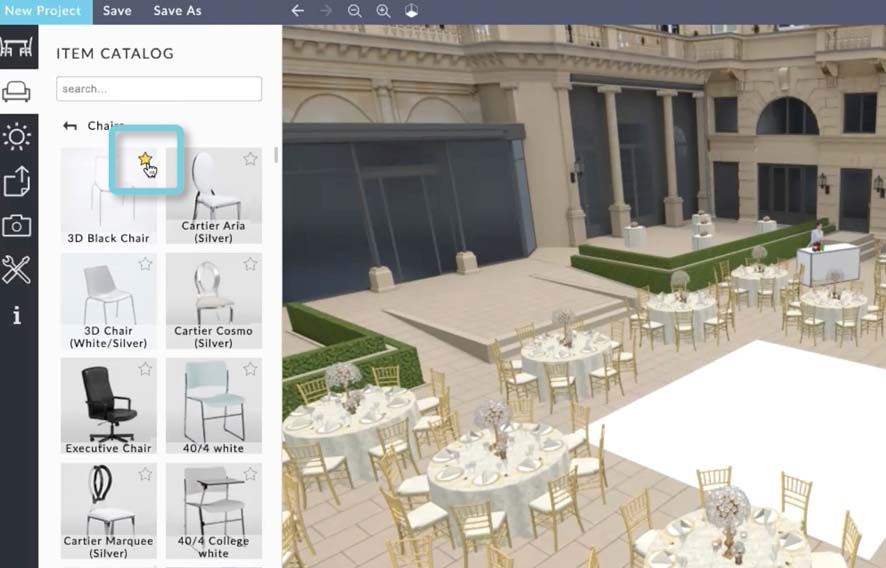
Furniture and Decor Favorites
Save furniture and decor items as favorites across all your floor plans.
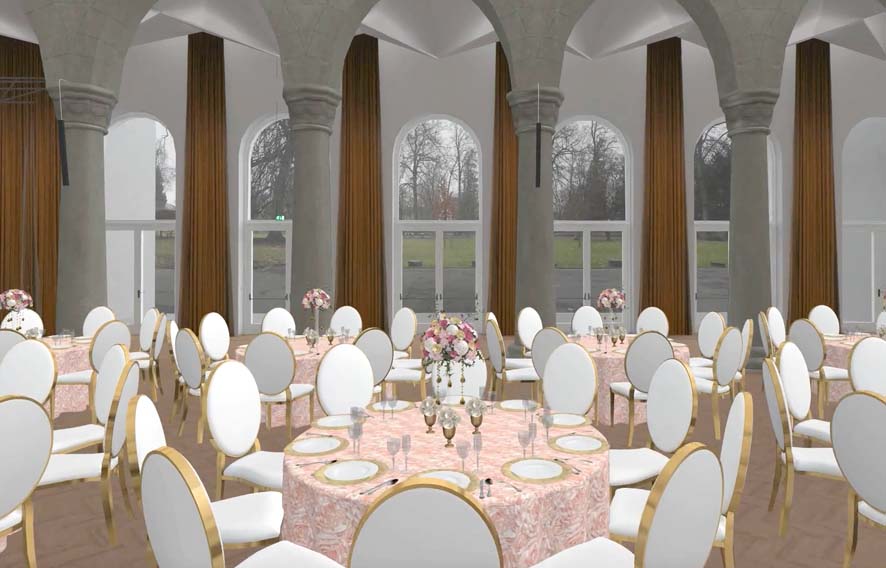
Table Wizard and Auto Layout
Configure a table with chairs, place settings, centerpieces and add it to the floor plan.
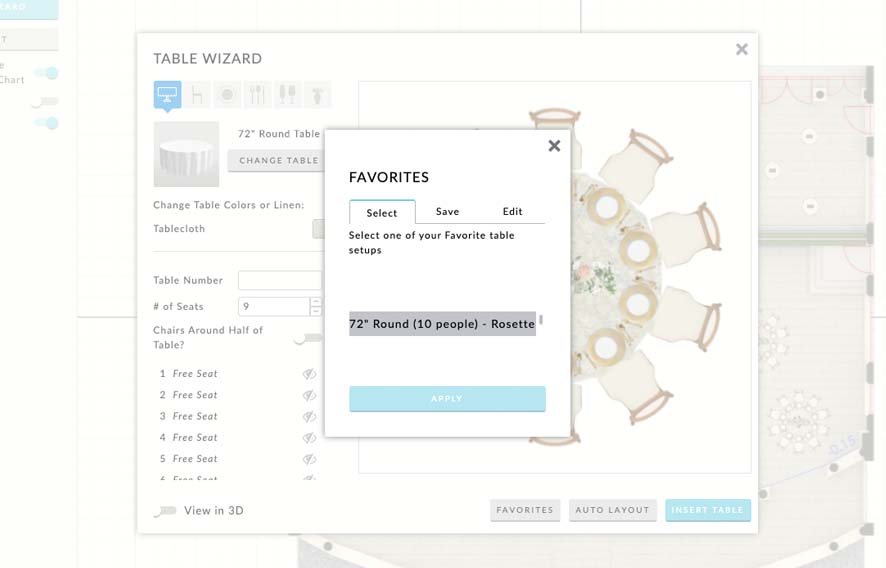
Table Wizard Favorites
Save table setups as Favorites and reuse them across all your projects.
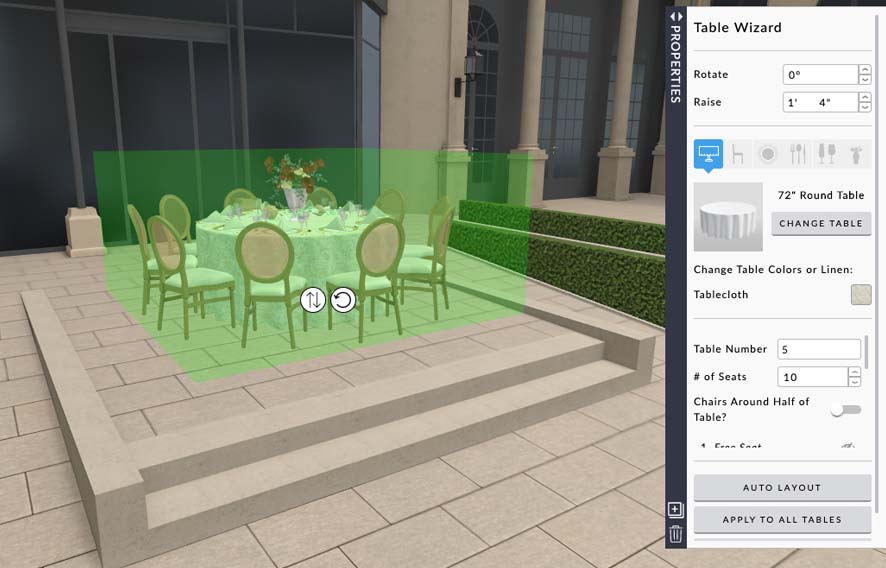
Raise a Table
Need to put a table on a stage or platform? Raise it off the ground with one click.
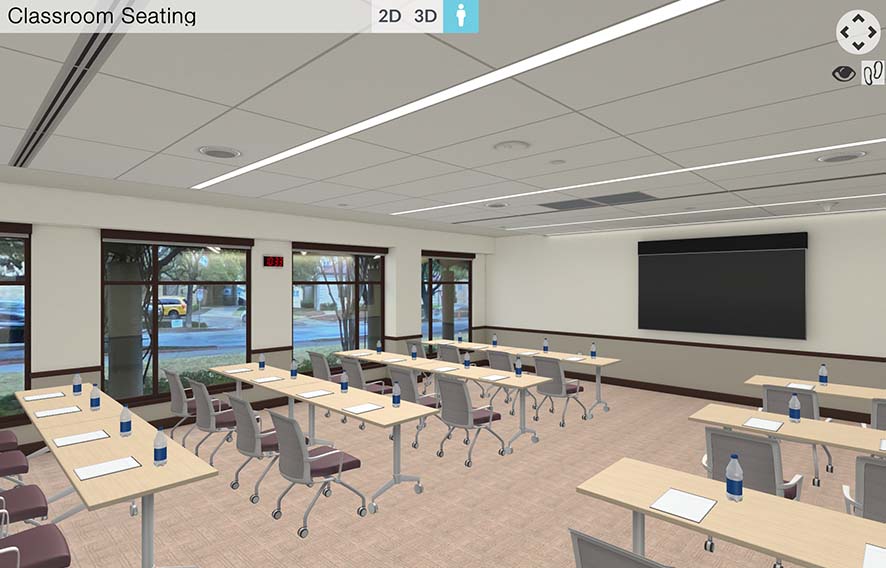
Embed on Your Website
Easily embed a floor plan on your business website.
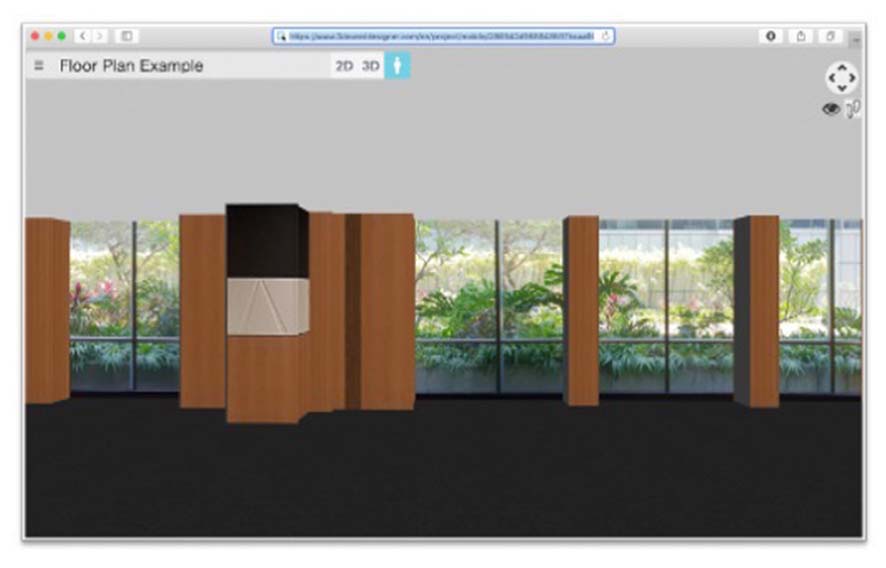
Email for Others to View
Email a floor plan for others to view on any device.
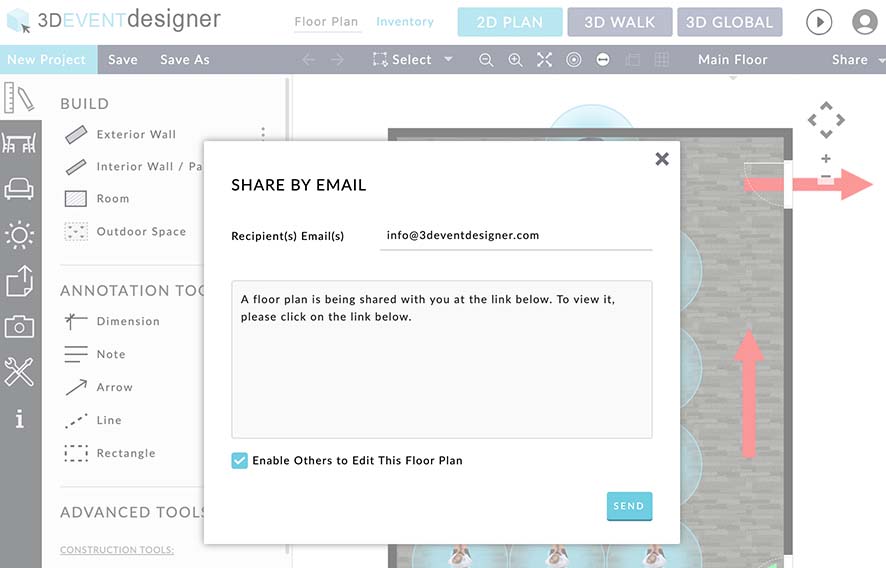
Email for Others to Edit
Enable editing privileges for others to edit your floor plan.
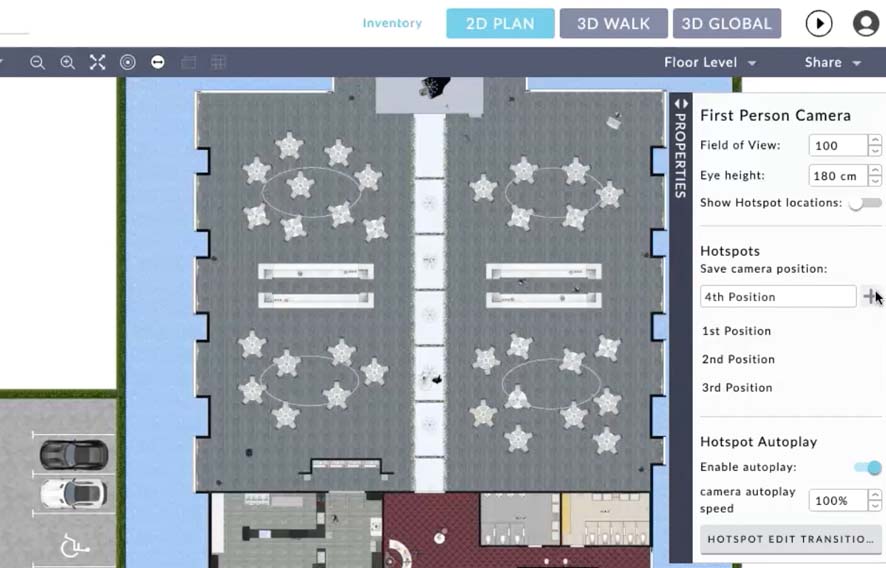
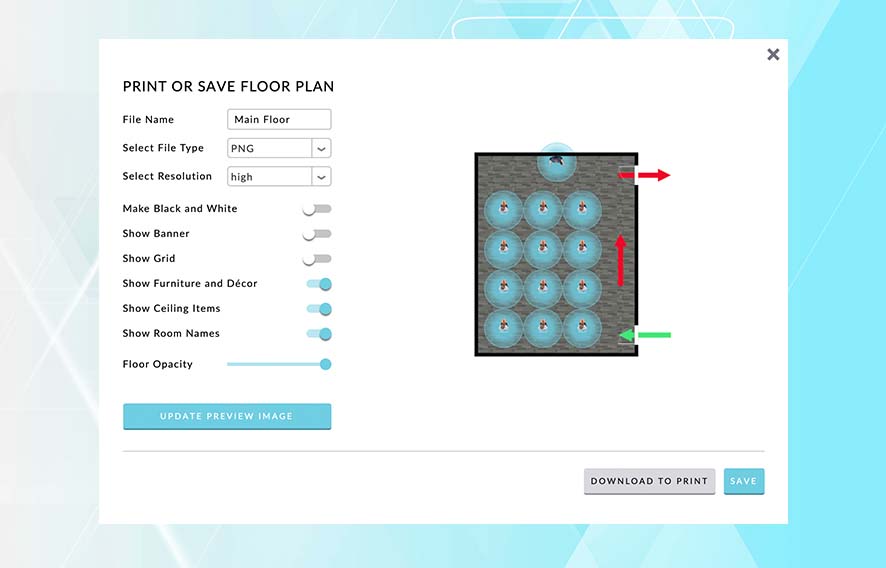
Settings
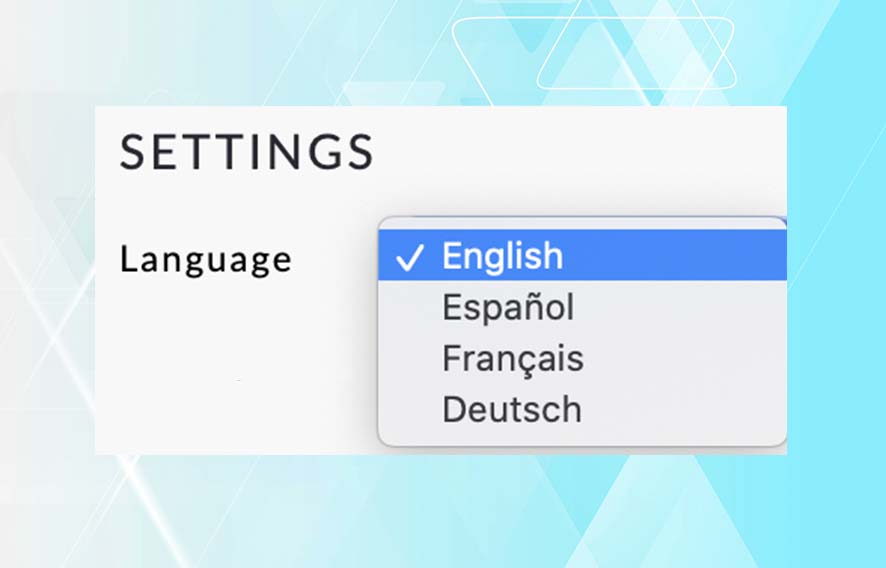
Change Languages
Change the software language from English to Spanish, French or German.
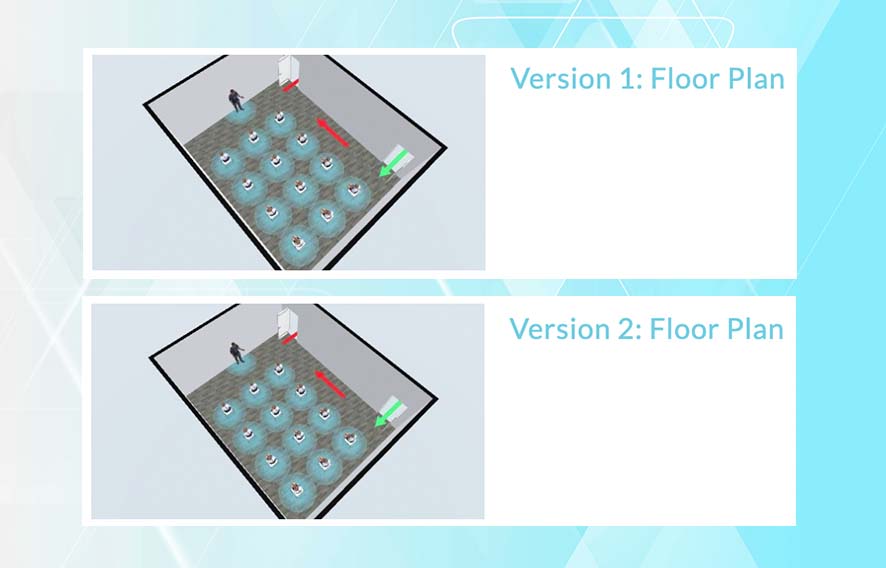
Clone a Floor Plan
Make a copy of your layout for a second version or as a template.
Frequently Asked Questions
Can I access my floor plans on mobile devices?
Absolutely! All floor plans can be opened, edited and viewed in both 2D and 3D on any device -- tablets, smartphones, Mac and PC computers.
Do I need to download anything?
No. 3D Event Designer works online and does not require downloading any software or app. You just need an internet connection and a modern web browser.
What does per month mean?
Your credit card is automatically charged every month for your plan. Billing is automated to ensure no lapse in access.
Can I cancel my subscription anytime?
Yes, you can cancel any plan at anytime with no cancellation fee.
Can I upgrade my plan anytime?
Yes. Log in, go to My Account and upgrade your plan.
Is there a free version?
No, we currently do not offer a free version.