Create Floor Plans in Minutes
3D Event Designer is 3D CAD-like software made simple. Easily create a floor plan within minutes and without the need for any software training. Gone are the days of drawing by hand, having to learn complicated software, and having to "pin" images together to present your vision to your clients!
Design with Real Inventory
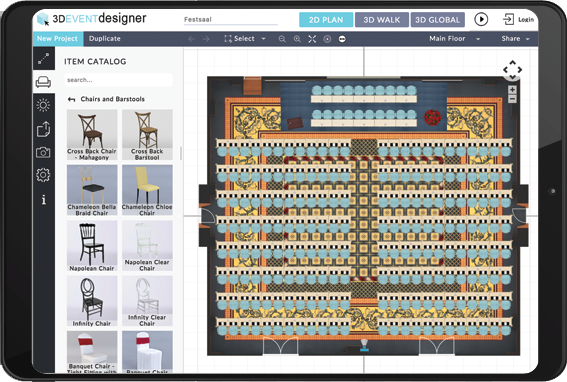
Create interactive floor plans and 3D images for your clients with real event inventory! Select from thousands of furniture and decor options in our software, or inquire to get your inventory included. Easily change colors and dimensions of items to fit the style and look of the event your clients have envisioned.
Save Time with Templates
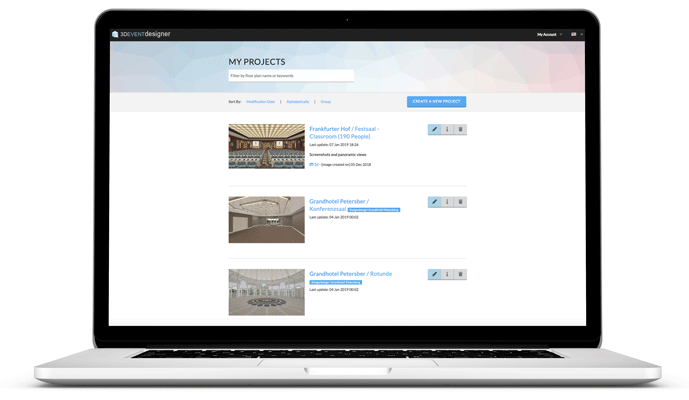
Create templates and reuse them as needed. Or select one of the templates from our Floor Plan Gallery. Whether you frequently work at the same venues, or want to give your clients multiple floor plan options, templates let you design faster!
Create a Seating Chart
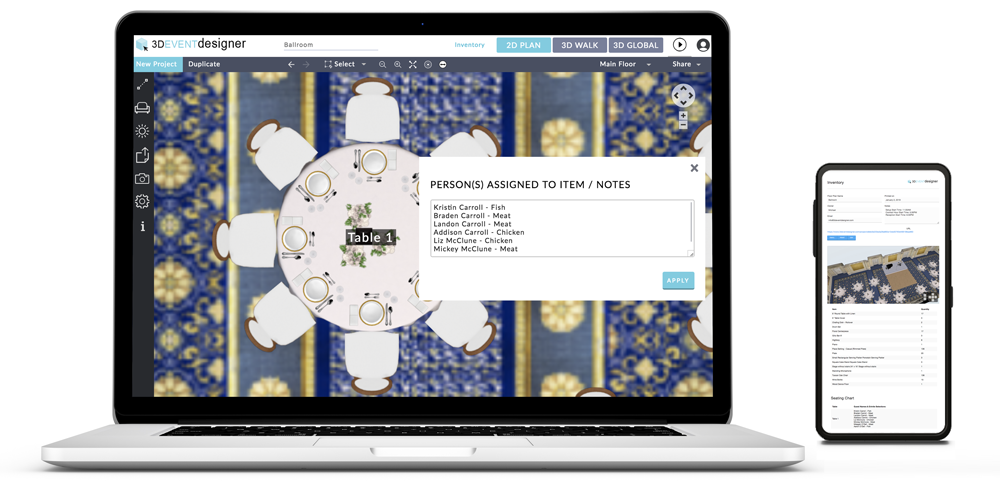
Easily create a Seating Chart by adding table numbers or names to each table in the floor plan. Even add each guest sitting at the table and their entree selection. The completed Seating Chart can easily be exported with the Inventory for a concise document for all vendors for event execution.
Communicate Easily with Clients
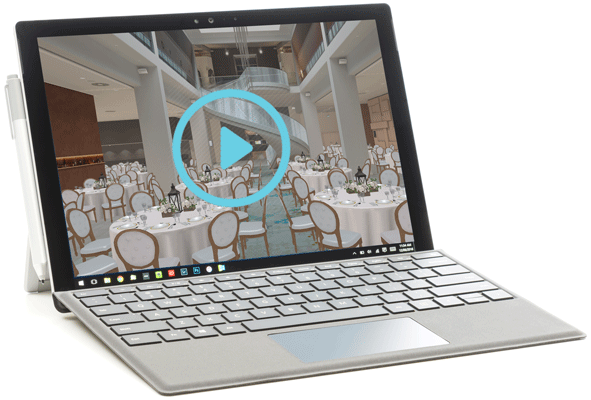
Email your clients their interactive event floor plan so they can virtually walk through the setup as if they were there in person! Not only will you alleviate your clients' stress with the interactive floor plan, but you will give your client full confidence in you in the months or weeks of planning ahead!
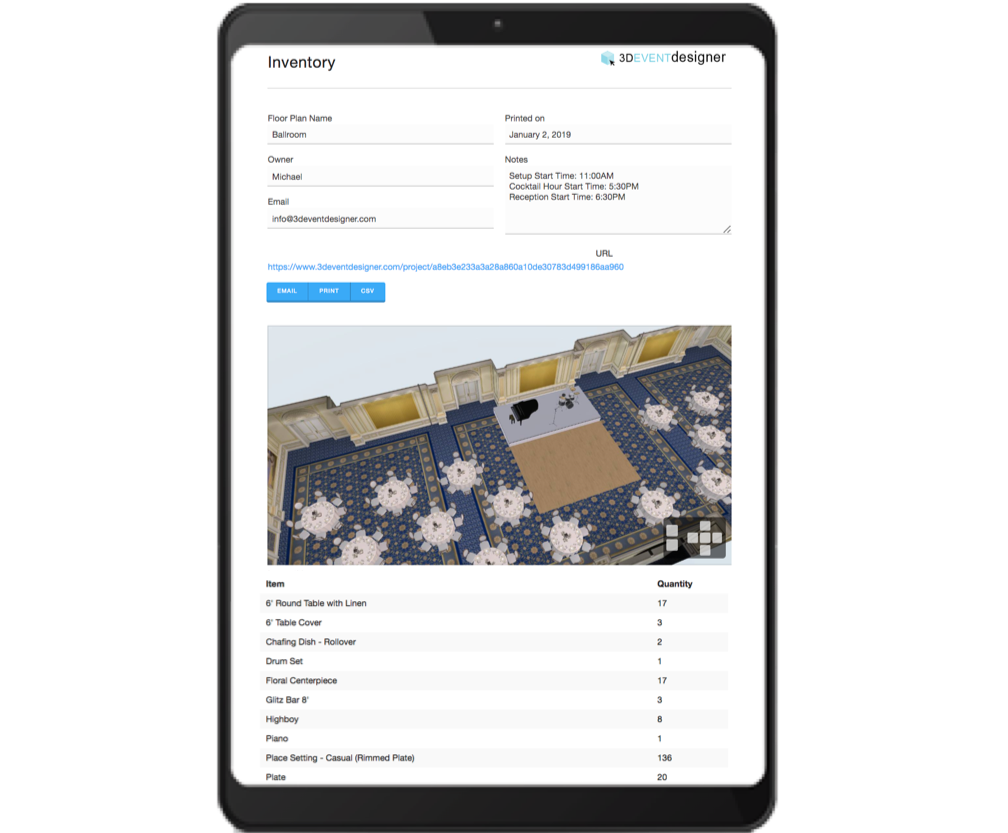
Keep Venue and Vendors Updated
Easily email or print the auto-generated Inventory document which includes: all saved floor plan images (2D, 3D and Global View), the Inventory of all products in the floor plan and the quantity of each, and the Seating Chart. Don't forget to provide a copy to the Venue and all Vendors for seamless execution.
Embed Floor Plans on Your Website
Win new event clients by showing them you offer 3D Event Designer, which will give them confidence in their event decisions! Simply click on the embed option within the app and the embed code will appear for you to add to your website.